
Start with the basics.
Add your destination, dates and interests in Clareiti. Clare, the AI travel assistant inside Clareiti, guides the planning and builds your itinerary whether you have bookings or just ideas.
Your Travel Planner. Your Companion.
Build your trip in Clareiti with Clare, your AI travel assistant. Bring your own ideas and turn them into a clear itinerary, one easy day at a time.
Sign in or create your free account.
Your trips, ready on every device.
Try Clare’s planning walkthrough freely. Create a free Clareiti account when you’re ready for Clare, your AI travel assistant, to build your itinerary.
A LITTLE LESS PLANNING. A LOT MORE CLAREITI.
Kyoto, west to east · Travel between stops
YOUR RESEARCH HAS A HOME
Bring your AI conversation or itinerary text into Clareiti. Review it, organize each day, and keep refining without starting over.
Explore this sample Japan itinerary to see Clareiti in action.
Interactive itinerary preview
Tokyo · Kyoto · Osaka · Narita
Scroll through the days, or choose a date. Open a day to explore its activities.
Find a little inspiration. Make a plan your own, or share a trip you’re proud of.
Add your destination, dates and interests in Clareiti. Clare, the AI travel assistant inside Clareiti, guides the planning and builds your itinerary whether you have bookings or just ideas.
Bring places, timings and booking details together. Open any activity for the little things that matter.
Invite someone to help plan and edit your itinerary, or give friends and family back home a view of your travels.
Return to your day, with your itinerary and useful travel tools within easy reach.
Languages, currencies and travel details, all in one place.
TAKE THE GOOD PARTS WITH YOU
Clareiti remembers what you loved and what you’d change.Your feedback helps shape your next itinerary.
YUCATÁN, MEXICO
Clear water, a little adventure and no rush to be anywhere else.
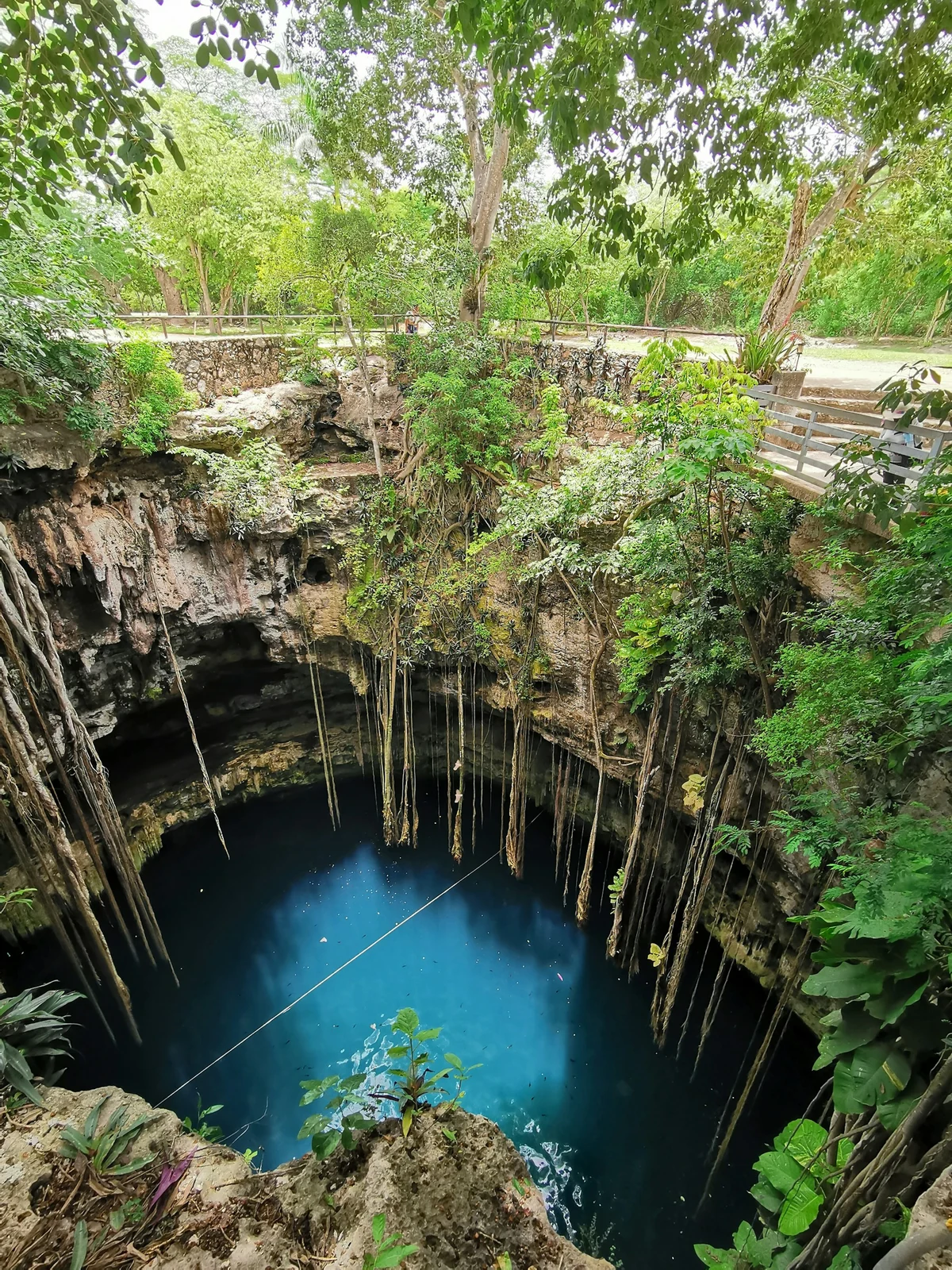 YUCATÁN, MEXICO
Cool water. Warm sunshine. One for the memory book.
AI ASSISTED PLANNING. BUILT AROUND YOU.
Know where you want to go, but overwhelmed with the details? Clare is the AI travel assistant that helps you build and refine your itinerary inside Clareiti, based on your interests, your pace and the time you have.